Thoroughly review all files to ensure that records are well-organized and each file is labeled.
Acceptable formats include Adobe PDF (.pdf), Excel (.xlsx), Comma Separated Value (.csv), Text File (.txt), Word (.docx), and more.
Thoroughly review all logbook files to ensure that the data is accurate, well-organized, and complete. If you are sending us scanned paper logbooks, verify that each page is correctly labeled with the appropriate year.
For optimal digital imaging of your paper logbooks, we recommend using a document scanner app on your mobile device or tablet.
Our team recommends the following (free version) scanning app:
CamScanner on the iOS App Store OR Play Store
Using the scanning app, capture high-quality pictures (scans) of your logbook pages, ensuring the following:
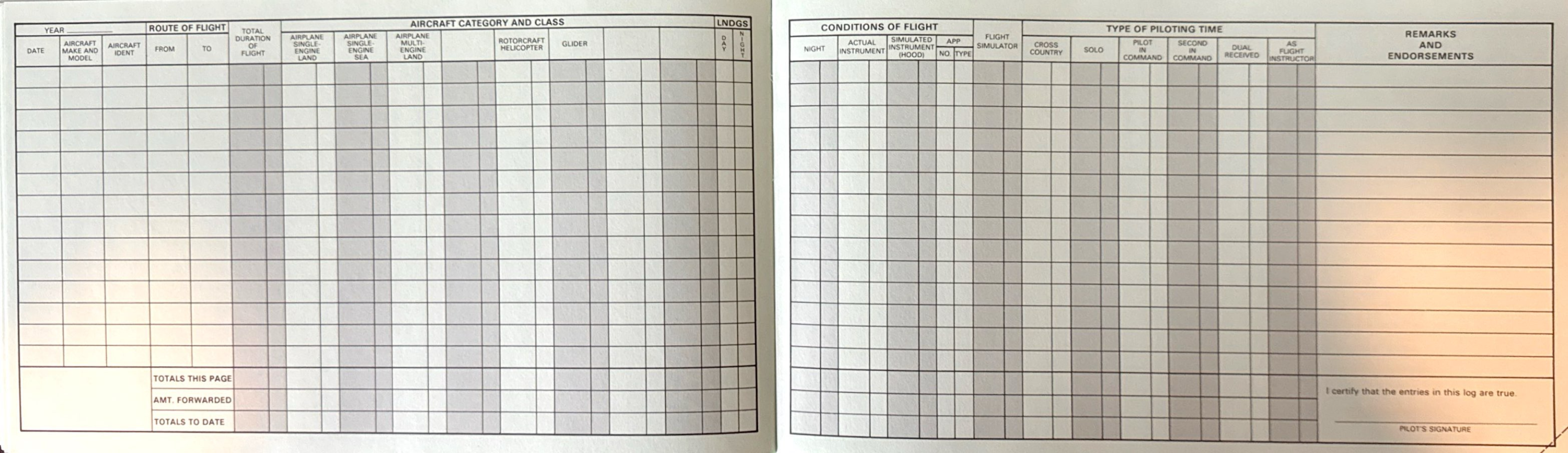
For standard logbook formats, each image should display both the left and right sides of the page to provide a complete view of all entries.
All scanned images must be clear and legible.
All scans must be free from cutoffs, duplicates, or missing sections. Additionally, please rotate all images.
Color scans are preferred, but black and white images are accepted
Organize all scanned images chronologically and compile them into (1) PDF file per logbook using the app’s features. Label files: i.e., Logbook 1, Logbook 2, etc.
Please avoid emailing files to our support team.
Note: If files do not meet the specified requirements, we may request that you redo the process. See scan example below: